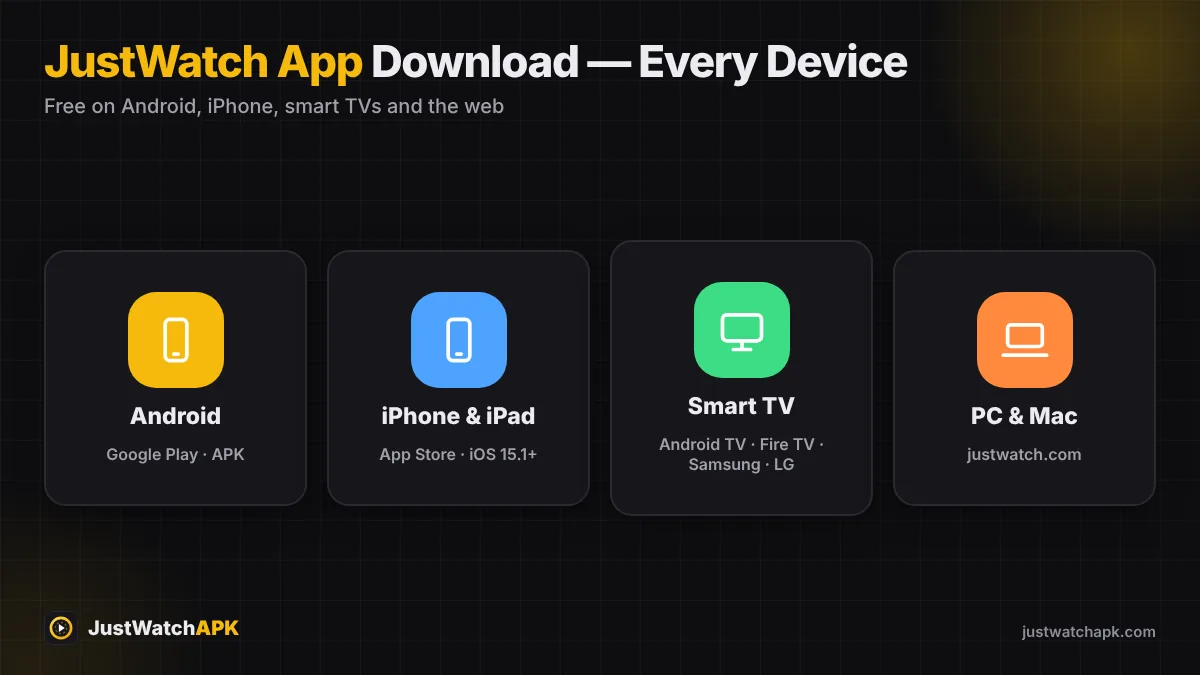
Want to use JustWatch on PC? There is no Windows .exe or Mac .dmg from JustWatch, but you have two excellent options: the full-featured JustWatch website in any browser, or the Android JustWatch APK running inside an emulator. Here is how each method works on Windows 10, Windows 11 and macOS.
Quick answer
The best way to use JustWatch on a computer is justwatch.com — it has search, filters and your synced watchlist, and needs no download. If you specifically want the Android app, install an emulator such as BlueStacks or LDPlayer and open the JustWatch APK or Play Store inside it.
Table of Contents
Method 1: Use the JustWatch Website (Recommended)
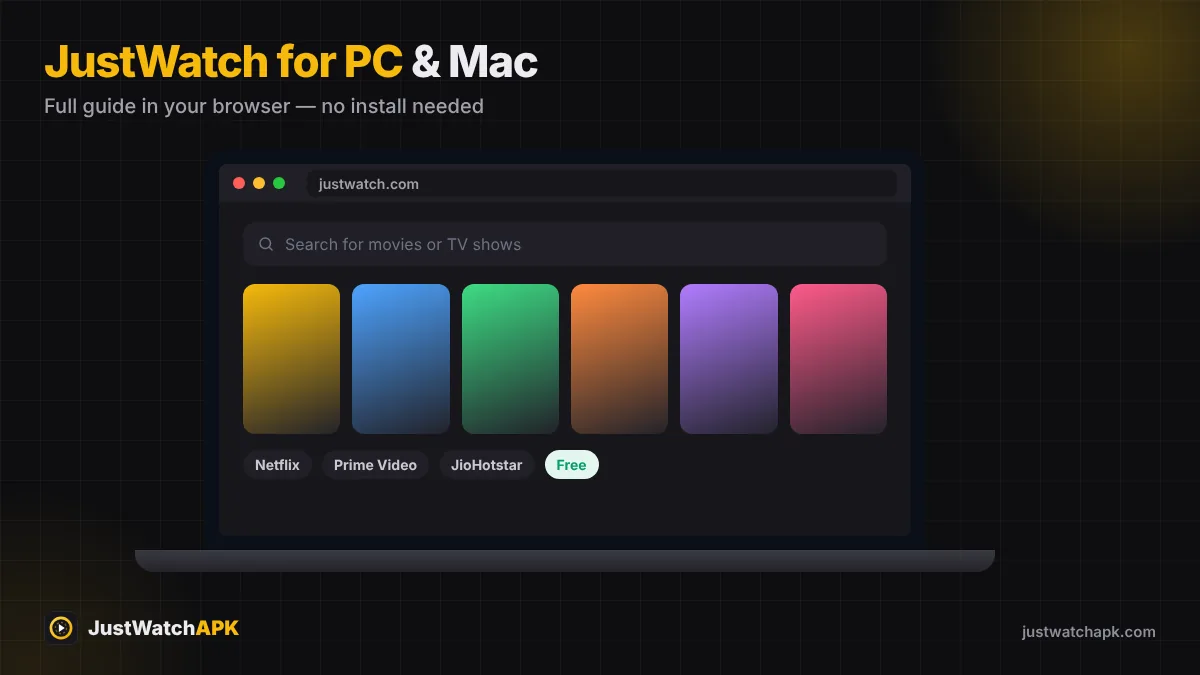
The website offers almost everything the app does: search, the New and Popular lists, filters, price comparisons and your watchlist. It is the lightest and safest option, and it works on Windows, Mac, Linux and Chromebook.
- Open justwatch.com JustWatch normally redirects you to your country's edition (for example justwatch.com/in for India).
- Sign in Use the same Google, Apple or email account as on your phone to load your watchlist.
- Pin it as an app (Chrome or Edge) In Chrome, open the menu → Cast, save and share → Create shortcut → tick Open as window. In Edge, use Apps → Install this site as an app. JustWatch now opens in its own window from your taskbar.
Method 2: Run the JustWatch APK With an Android Emulator
An emulator creates a virtual Android phone on your computer. It is useful if you prefer the app interface or want to test the APK.
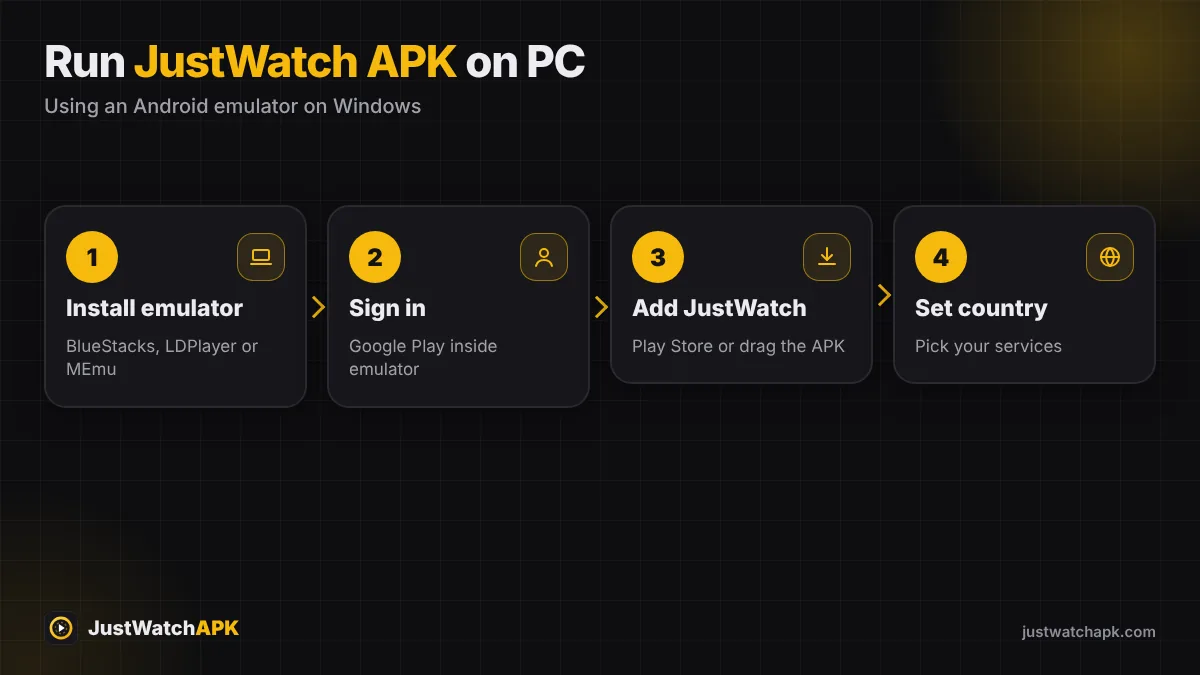
- Install an emulator Download BlueStacks, LDPlayer or MEmu from its official website and install it.
- Sign in to Google Play inside the emulator, or skip this step if you plan to install the APK file directly.
- Install JustWatch Search for JustWatch in Play Store — or drag the official JustWatch APK file onto the emulator window.
- Open and set your country Then select your streaming services as you would on a phone.
Recommended PC requirements for emulators
| Component | Minimum | Better experience |
|---|---|---|
| Operating system | Windows 10 / macOS (Intel or Apple silicon, depending on emulator) | Windows 11 |
| RAM | 4 GB | 8 GB or more |
| Storage | 5 GB free | SSD with 10 GB free |
| Virtualization | Enabled in BIOS/UEFI | Enabled + updated graphics driver |
What about Windows Subsystem for Android? Microsoft ended support for WSA and the Amazon Appstore on Windows in March 2025, so it is no longer a reliable way to run Android apps. Use the website or a third-party emulator instead.
Website vs Emulator: Which Is Better?
| JustWatch website | Emulator + APK | |
|---|---|---|
| Setup time | Instant | 10–20 minutes |
| PC resources | Very light | Heavy (RAM + CPU) |
| Watchlist sync | Yes | Yes |
| Notifications | No push alerts | Yes, inside the emulator |
| Best for | Everyday searching | App-only features, testing |
JustWatch on Mac
On a Mac, open justwatch.com in Safari, Chrome or Edge. In Safari on macOS Sonoma or later, choose File → Add to Dock to turn the site into an app-like window. Emulators that support Apple silicon can also run the JustWatch APK if you need the Android app.
Troubleshooting JustWatch on PC
- Website shows another country: scroll to the footer and change the country, or turn off your VPN.
- Emulator is slow: enable virtualization (VT-x / AMD-V) and give the emulator at least 4 GB of RAM.
- APK won't install in the emulator: make sure the emulator runs Android 7.1 or newer.
Also see JustWatch for Android TV and JustWatch for iPhone if you use more than one device.
Ready to find where to watch anything?
Get the latest JustWatch APK v26.43.7 — free, safe and updated Oct 22, 2026.
Frequently Asked Questions
Is there a JustWatch app for Windows 10 or 11?
There is no official Windows app. Use justwatch.com in your browser or run the Android app with an emulator.
Can I install JustWatch APK on my laptop?
Yes, with an Android emulator such as BlueStacks or LDPlayer. The emulator must run Android 7.1 or newer.
Does the JustWatch website have a watchlist?
Yes. Sign in on justwatch.com with the same account as your phone to see and edit your synced watchlist.
Can I use Windows Subsystem for Android for JustWatch?
Microsoft ended support for Windows Subsystem for Android in March 2025, so it is no longer recommended. Use the website or an emulator.
Was this guide helpful? Rate it:
0.0/5 · 0 votes