You've installed the JustWatch APK — now what? This beginner guide explains how to use JustWatch properly: setting your services, reading offer badges, building a watchlist, using filters and getting price-drop alerts. Ten minutes of setup will save you hours of searching every month.
Quick answer
To use JustWatch: choose your country, select the streaming services you subscribe to, then search any movie or show to see where it's streaming, free, for rent or to buy. Tap the bookmark icon to add titles to your watchlist and turn on notifications to be alerted when they arrive on your services.
Table of Contents
Step 1: Choose Your Country and Services
JustWatch shows offers for one country at a time. On first launch, pick the country where your subscriptions are registered. Then open your profile and select My services — for example Netflix, Prime Video and JioHotstar. JustWatch will now highlight titles you can watch without paying extra.
Step 2: Search a Movie or Show
Type a title, actor or director into search. On the title page you'll see a trailer, synopsis, cast, IMDb rating and — most importantly — the list of offers.
How to read JustWatch offer badges
| Badge | Meaning |
|---|---|
| Stream | Included in a subscription service |
| Free / Ads | Free to watch with ad breaks |
| Rent | Pay once to watch for a limited period |
| Buy | Pay once to keep it in your library |
| SD / HD / 4K | Video quality offered by that service |
Step 3: Build Your Watchlist
Tap the bookmark icon on any title to save it. Your watchlist shows where each saved title is available right now and syncs across your phone, TV and the website when you're signed in.

- Sign in Create a free account with Google, Apple or email.
- Save titles Tap the bookmark on movies and shows you want to watch.
- Turn on alerts Allow notifications so JustWatch tells you when a saved title lands on one of your services.
- Mark as seen Tick titles you've watched to clean up your list and improve recommendations.
Step 4: Use Filters Like a Pro
Filters turn JustWatch into a "what should I watch tonight?" machine. Combine them on the Popular or New screens:
Genre
Action, comedy, thriller, horror, documentary, anime and more.
Release year
Limit to recent releases or explore classics from a specific decade.
Price
Free, subscription (flatrate), rent or buy — great for finding free movies.
Rating & quality
Set a minimum IMDb score, choose an age rating or show only 4K titles.

Step 5: Track New Releases and Price Drops
- New: a daily timeline of everything added to each service in your country.
- Popular: what everyone is watching this week.
- Price drops: daily list of cheaper rentals and purchases — perfect before a movie night.
Step 6: Watch on Your TV
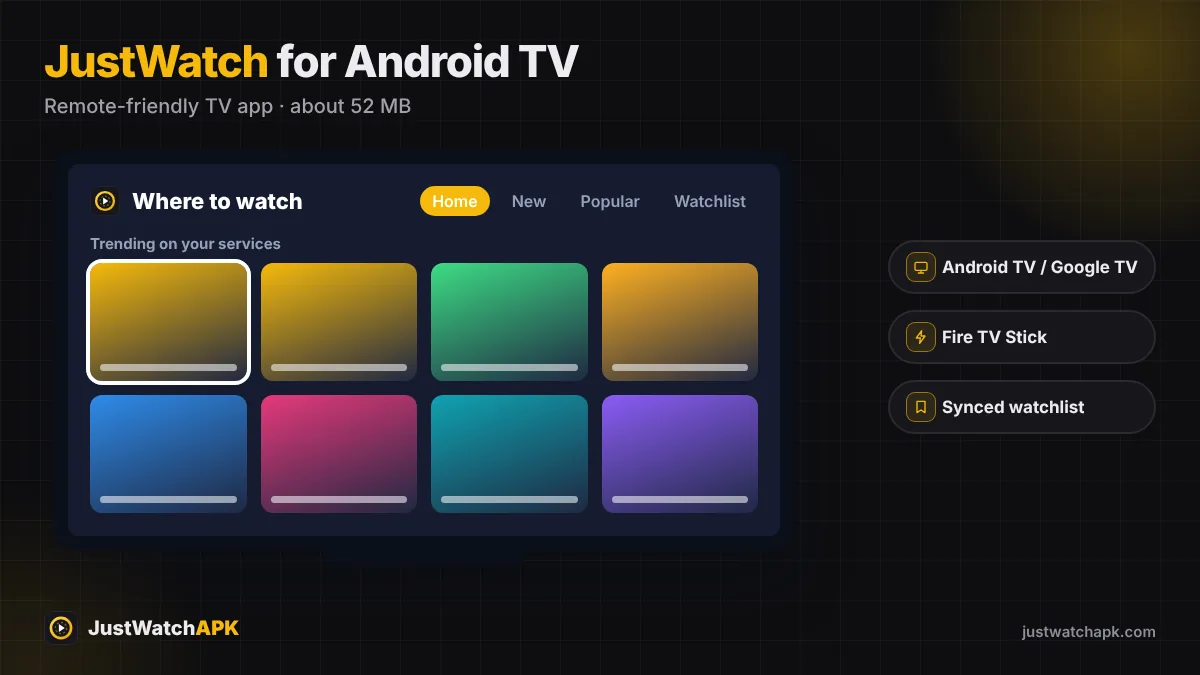
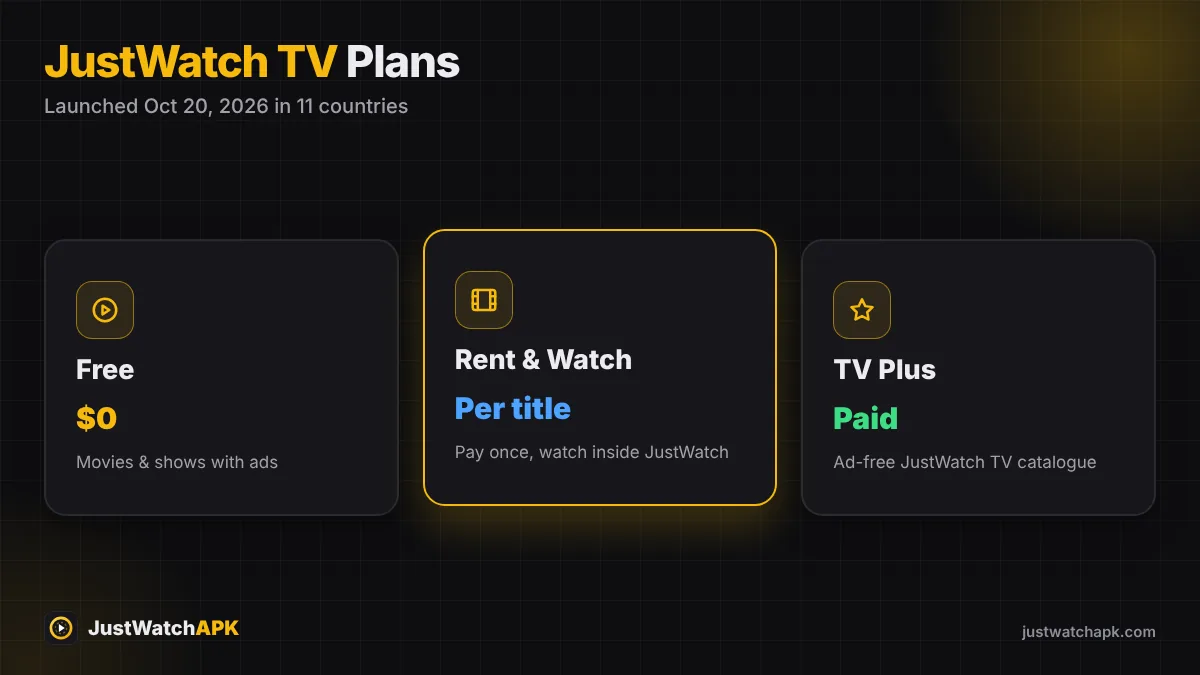
Use Play on TV to start a title on your smart TV from your phone, or install the TV app directly — see JustWatch for Android TV & Fire TV. In supported countries you can also stream free titles inside the app with JustWatch TV.
8 Pro Tips for JustWatch
- Rotate subscriptions: check your watchlist before renewing — subscribe only to the service that has most of it.
- Like and dislike titles; recommendations improve quickly.
- Use the website on PC for long browsing sessions (how).
- Turn off your VPN for accurate local prices.
- Indian users: select regional services like aha and Sun NXT (guide).
- Check "Leaving soon" type lists on the service before starting a long series.
- Keep the app updated — new features arrive almost weekly (version history).
- Never install "mod" versions; the official app already does it all.
Frequently Asked Questions
How does JustWatch work?
JustWatch collects availability and price data from thousands of legal streaming services and shows every option for a title in one place.
Do I need to sign in to use JustWatch?
No, but a free account syncs your watchlist and enables notifications.
Can JustWatch show only free movies?
Yes. Set the Price filter to Free to see titles that are free with ads in your country.
Was this guide helpful? Rate it:
0.0/5 · 0 votes